FlexiMate Studio.
đź›’ How to Order Your FlexiMate
Once you’ve finished designing your FlexiMate, click “Create Order.”
Your design will be carefully reviewed, and you’ll receive a secure payment link.
After payment is confirmed, we’ll begin crafting your FlexiMate and prepare it for delivery.
⚠️ Important Information (Beta Phase)
Please note that FlexiMaker is currently in beta, and some limitations apply:
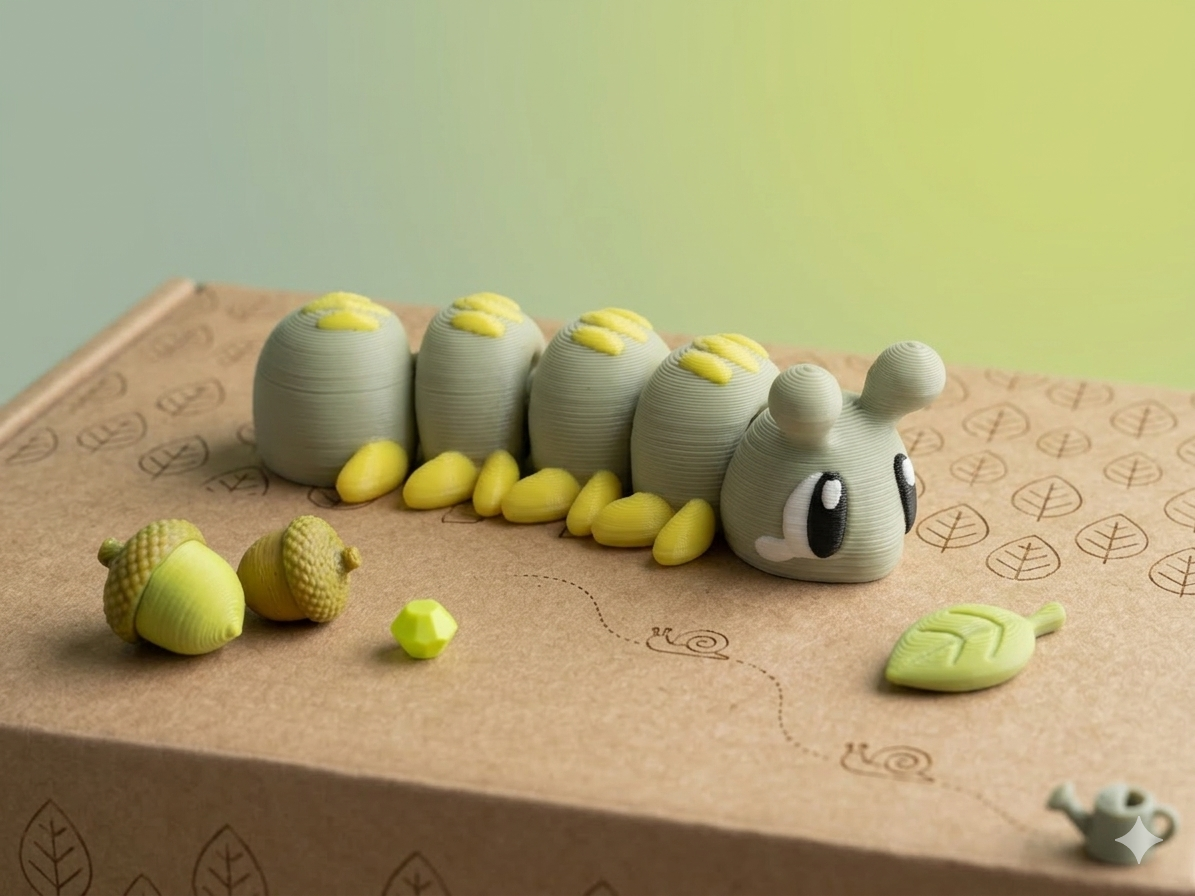
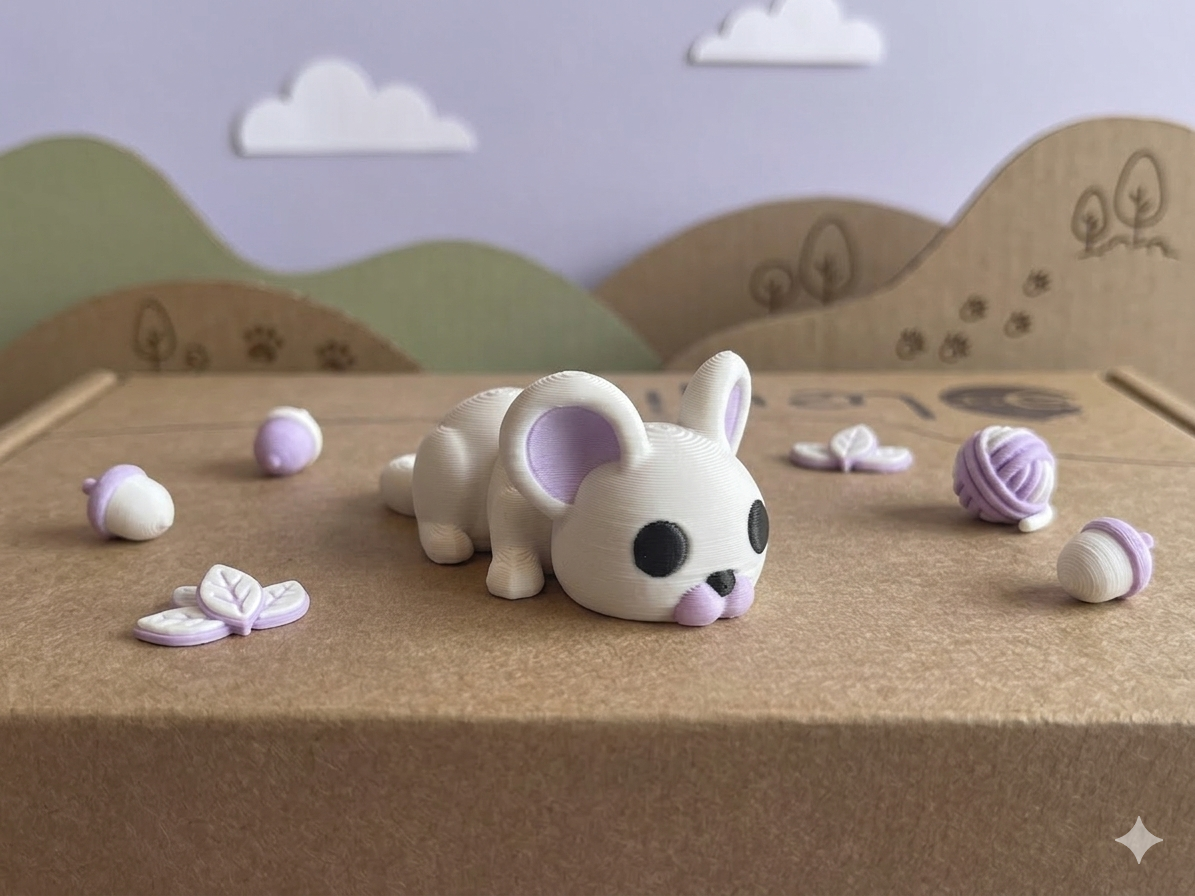
• Just 4 colors per design
• Maximum of 5 segments per FlexiMate
• Magnets are not available at this time
• Sizes are fixed: Mini, Medium, or Large (no custom scaling yet)
Pricing is not automatically calculated yet — we’re actively working on integrating this feature.
đź›’ CĂłmo pedir tu FlexiMate
Una vez que hayas terminado de diseñar tu FlexiMate, haz clic en «Crear pedido».
Tu diseño será revisado minuciosamente y recibirás un enlace de pago seguro.
Una vez confirmado el pago, comenzaremos a fabricar tu FlexiMate y lo prepararemos para el envĂo.
⚠️ Información importante (Fase Beta)
Ten en cuenta que FlexiMaker se encuentra actualmente en fase beta, por lo que se aplican algunas limitaciones:
• Solo 4 colores por diseño
• Un máximo de 5 segmentos por FlexiMate
• Los imanes no están disponibles en este momento
• Los tamaños son fijos: Mini, Mediano o Grande (aún no es permitido ajustar las dimensiones de forma personalizada)
El precio aún no se calcula de forma automática; estamos trabajando activamente para integrar esta funcionalidad.